安装
使用root用户ssh远程到linux,复制下面命令到ssh终端
|
|
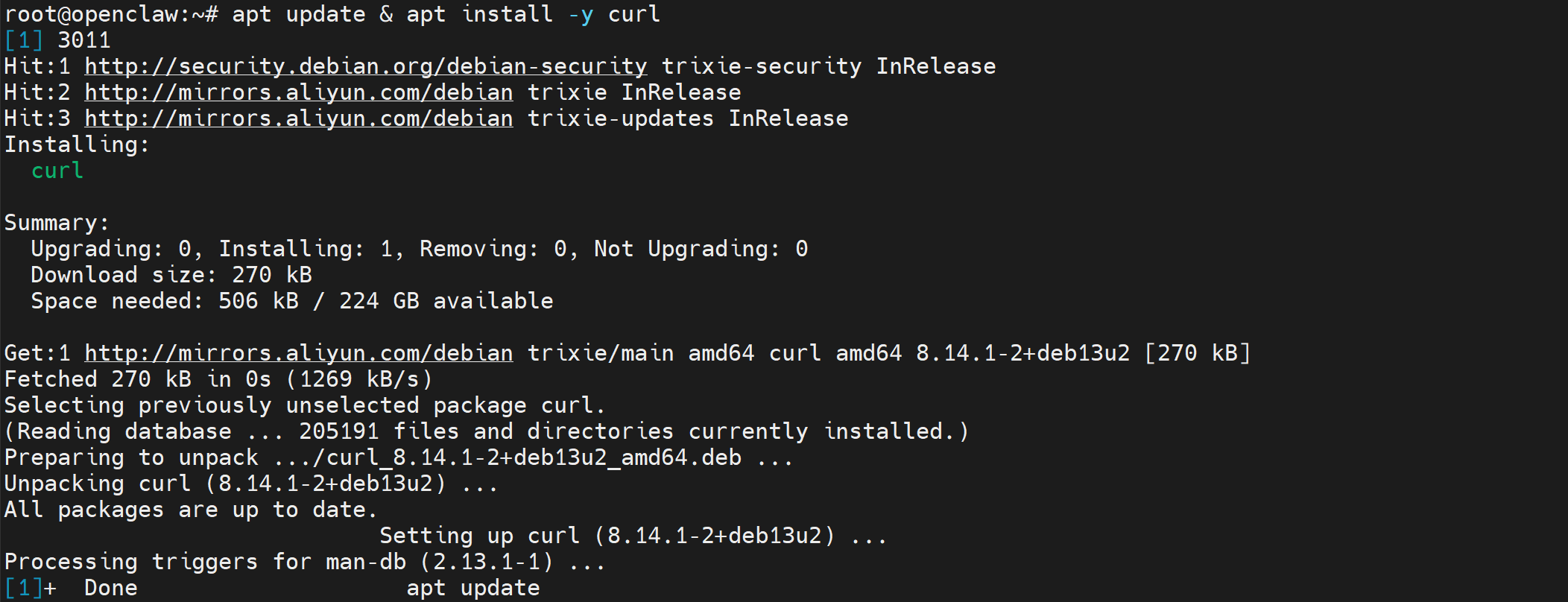
 注:如果遇到多次失败,多次尝试执行
curl -fsSL https://openclaw.ai/install.sh | bash
初始化配置
安装后可以通过下面的命令重新初始化
|
|
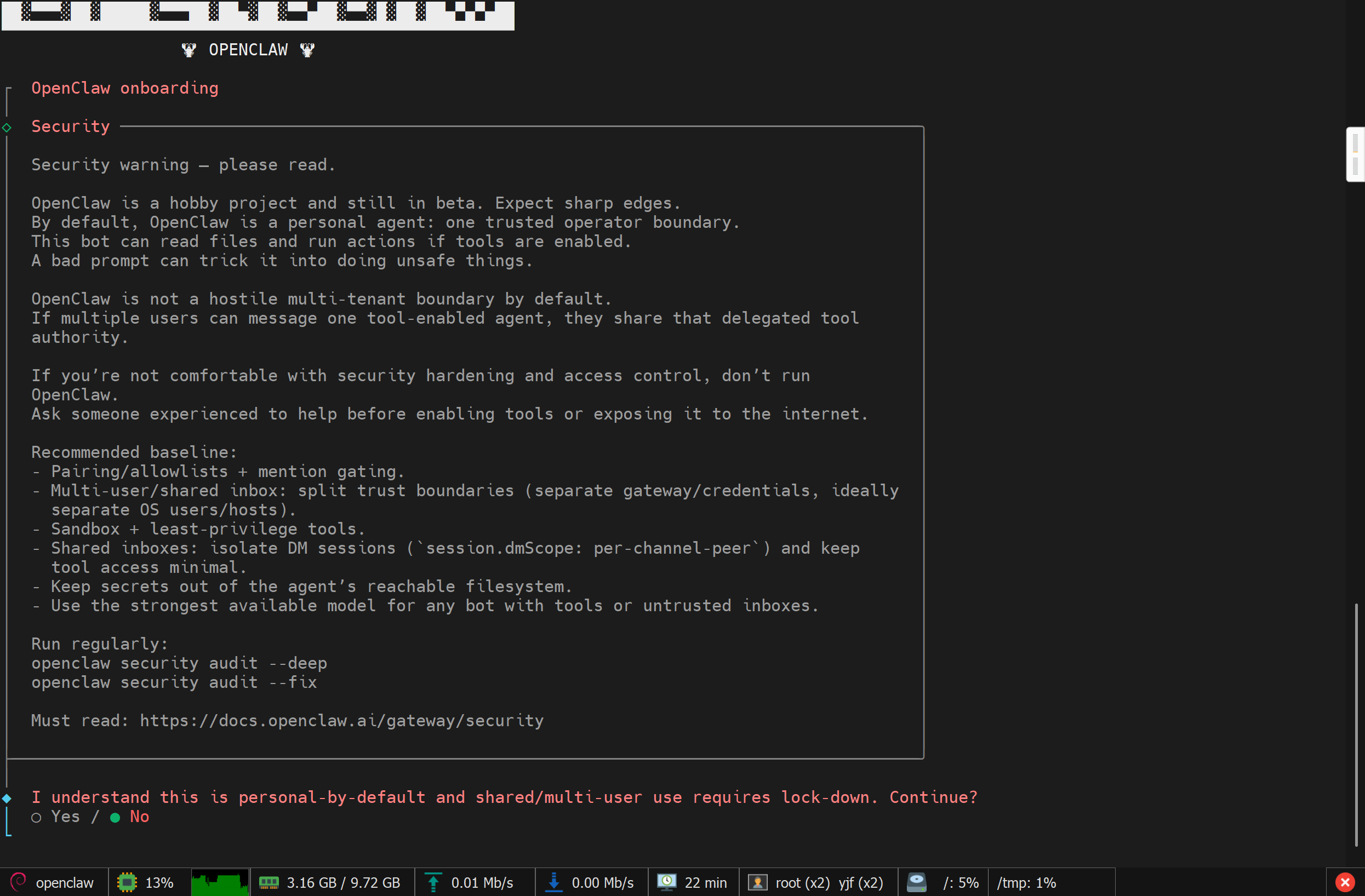
1、选YES
2、选QuickStart
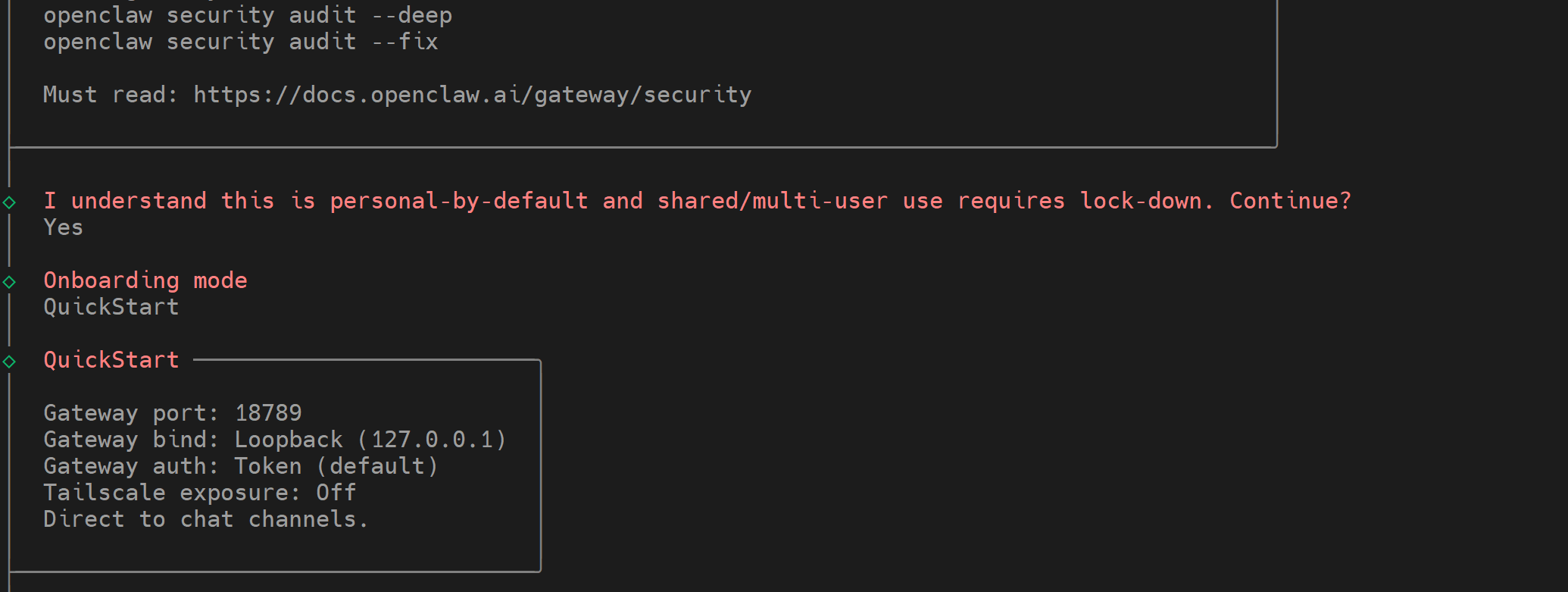 3、对接大模型,选Z.AI(智谱)
4、国内选Coding-Plan-CN
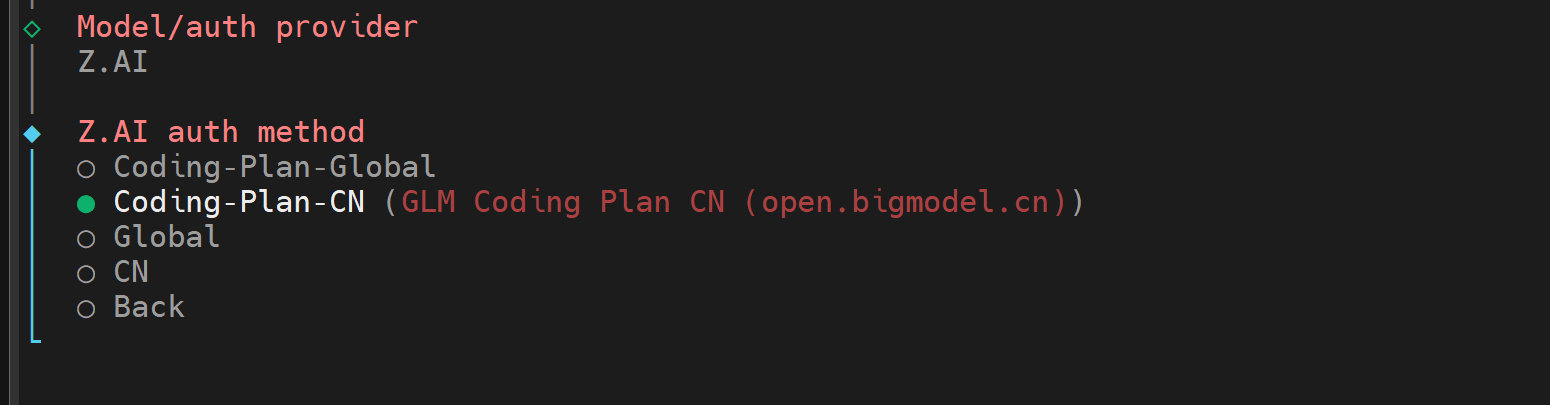 5、选Paste API key now
6、右键粘贴智谱的API
申请地址:https://www.bigmodel.cn/invite?icode=V40hHBW8TpgkSWTfwD8i3nHEaazDlIZGj9HxftzTbt4%3D
 7、选择模型,例如免费的zai/glm-4.7-flash
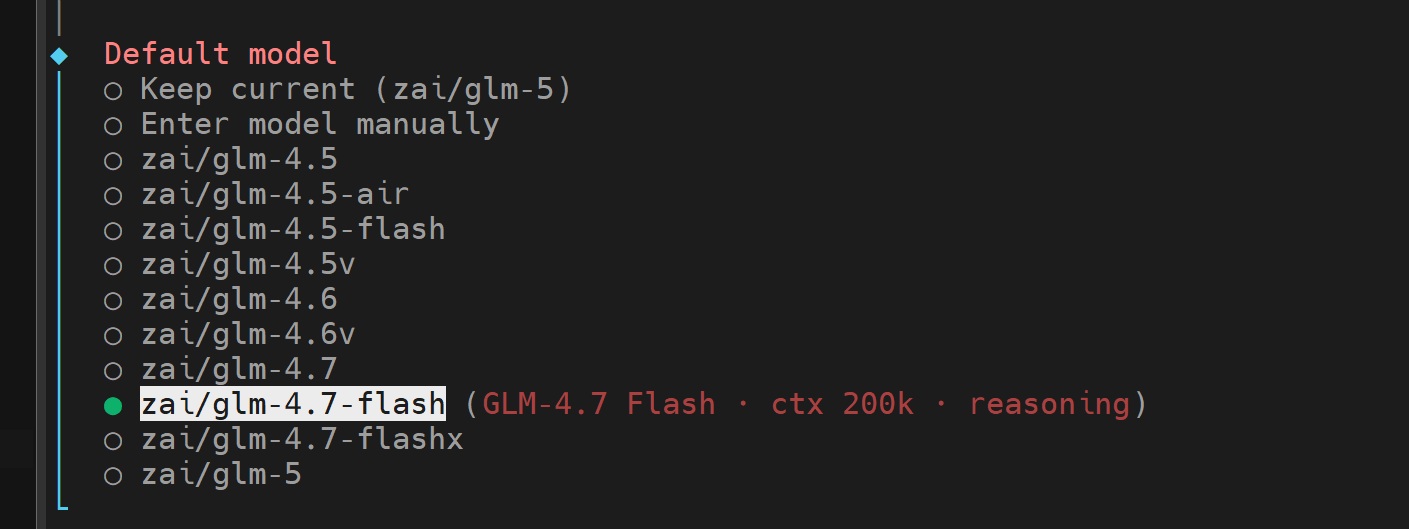 8、对接机器人渠道,先选Skip for now
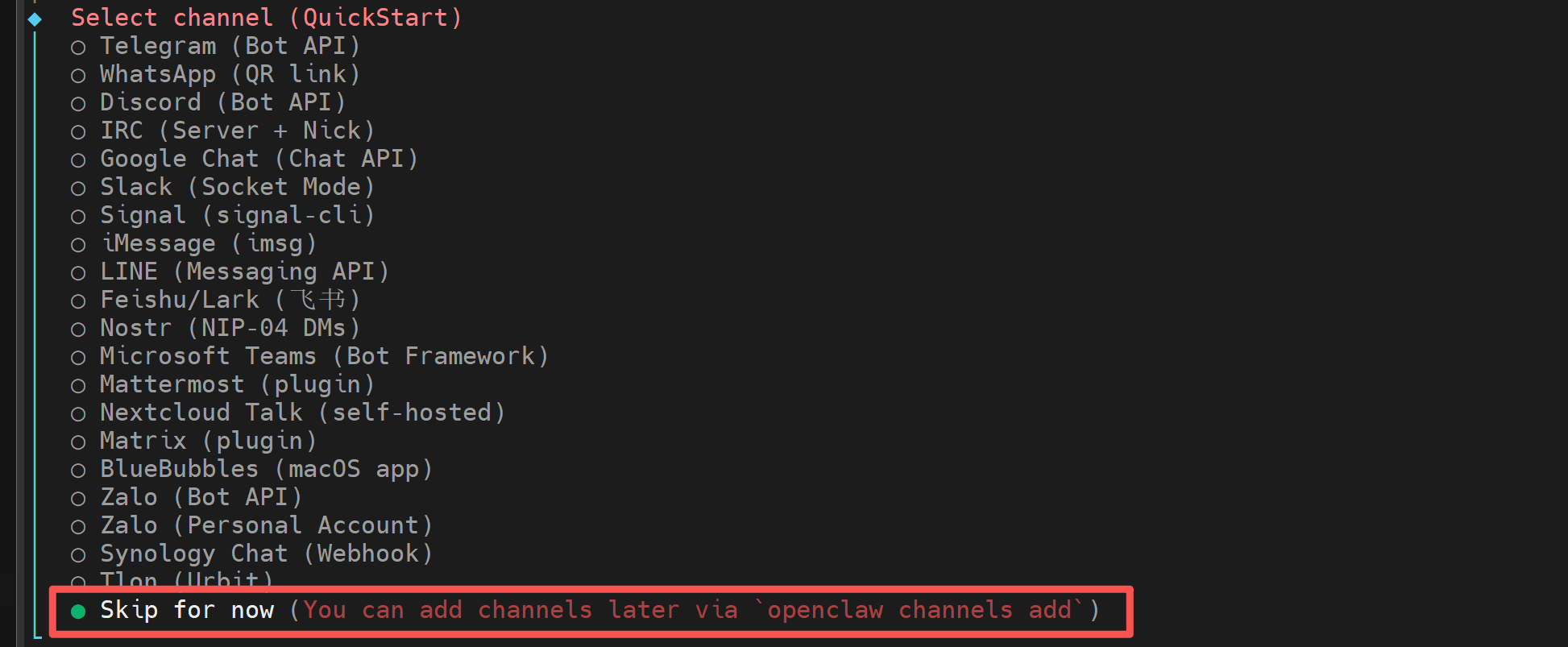 9、搜素引擎选Skip for now跳过配置
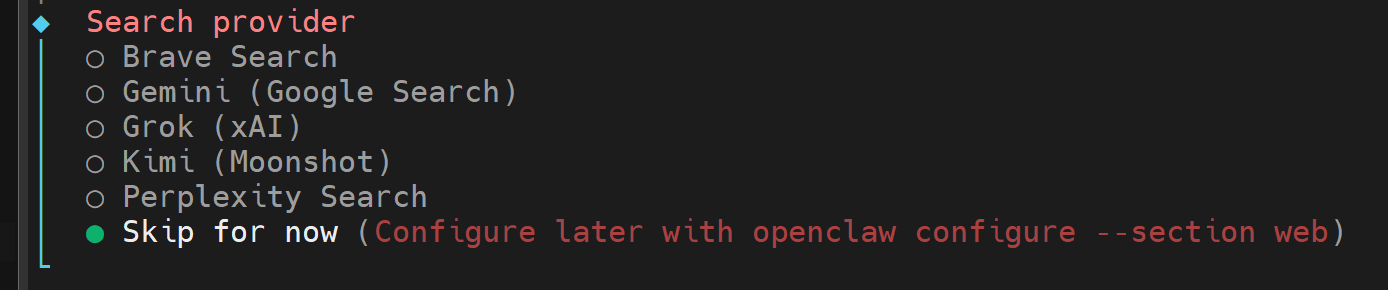 10、skiis配置跳过,选no
 11、hooks选Skip for now(空格选择,回车)
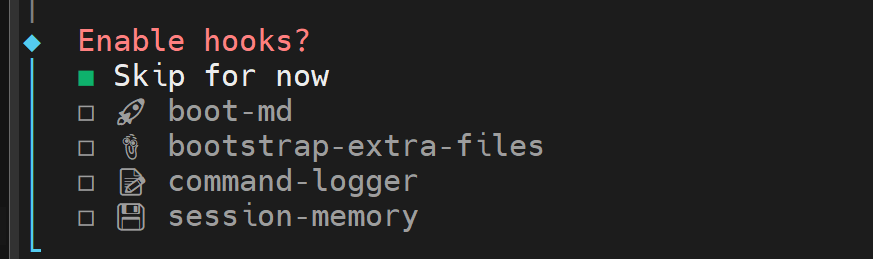 12、启动管理
选Open the Web UI
会打印相关的信息,其中包括token,可以通过浏览器桌面进行访问
企业微信机器人
参考官方文档OpenClaw接入企业微信智能机器人-帮助中心-企业微信(https://open.work.weixin.qq.com/help2/pc/cat?doc_id=21657)
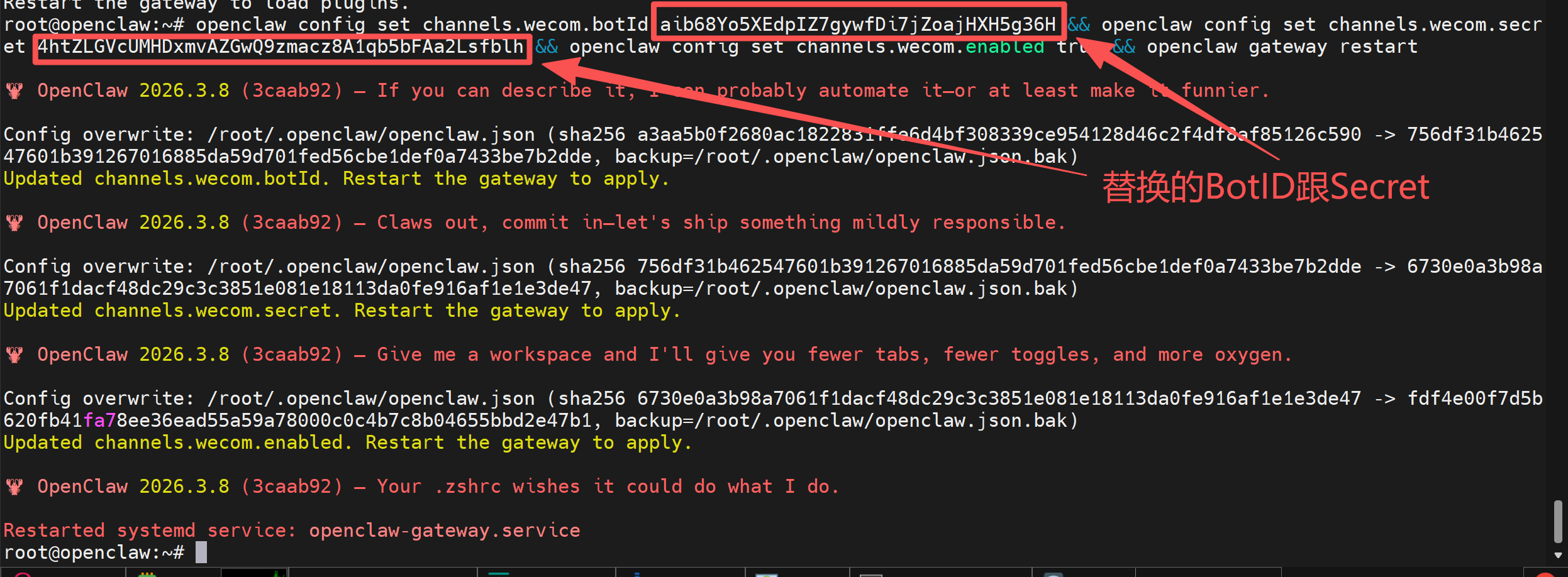
参考其中的第一步即可,将获取到的Bot ID跟Secret保存
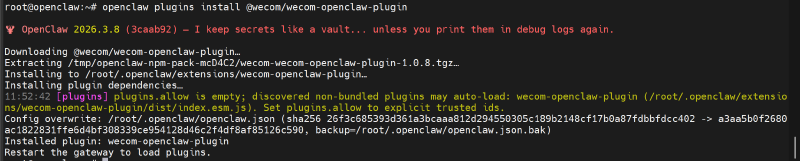
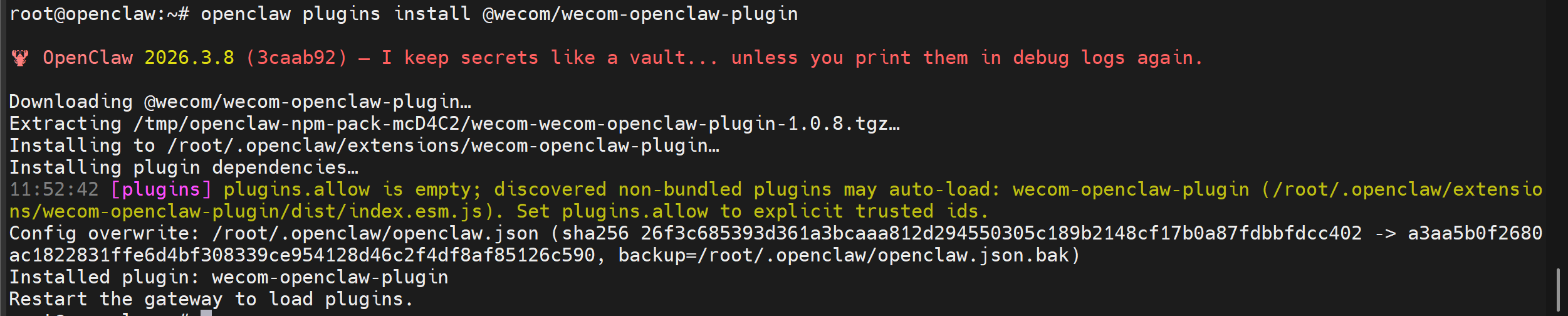
安装企业微信机器人官方插件
命令终端继续执行
|
|
设置企业微信机器人
将下面代码的
|
|
授权用户
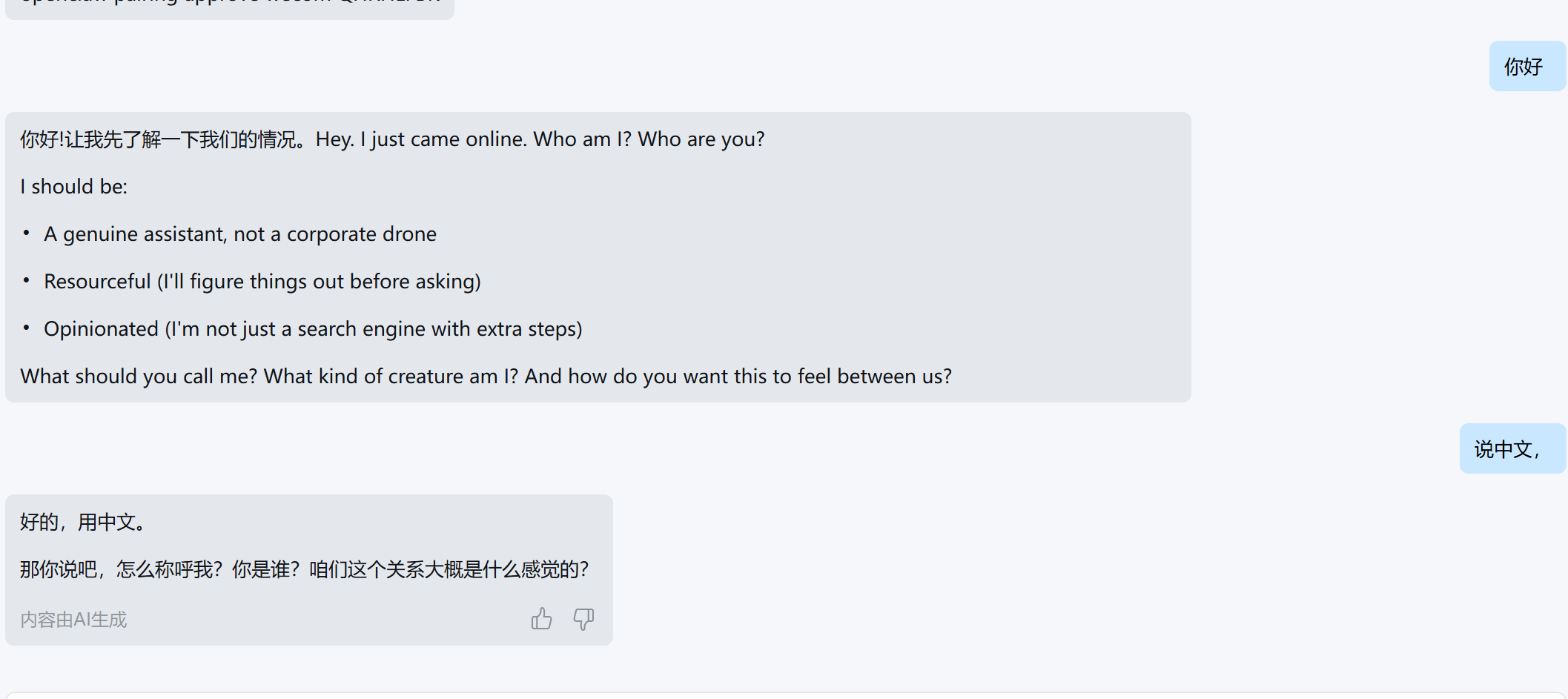
等一会儿,到机器人发送你好,机器人会回复授权码
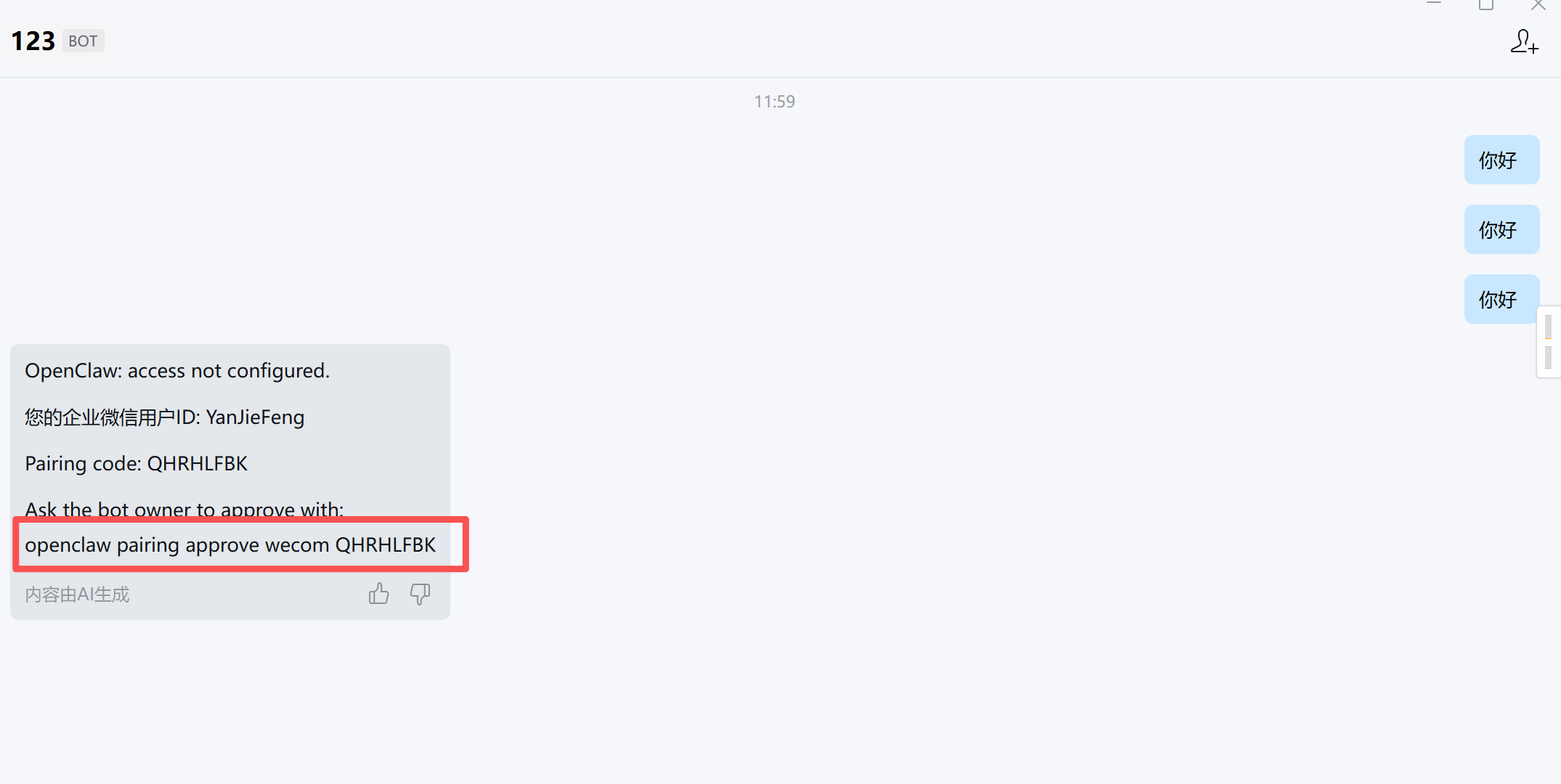 将授权码命令粘贴到终端执行即可正常使用

其它命令
重启网关
|
|
查看状态
|
|
查看日志流
|
|
远程隧道配置(在客户端执行)
|
|